Photo And VideoFreeUnited States
Private Photo Vault
Private photo vault
Hide your private photos and videos behind a passcode and Face ID — and do not lose them.
- Category: Photo And Video
- Requires iOS 17.0 or later
What people search for
Popular searches — United States
Private photo vault
Hide your private photos and videos behind a passcode and Face ID — and do not lose them.
Photo lock app
They hold your photos hostage behind a subscription.
- hide photos app iphone
- secret photo album
Features
They lose your files when you change phones
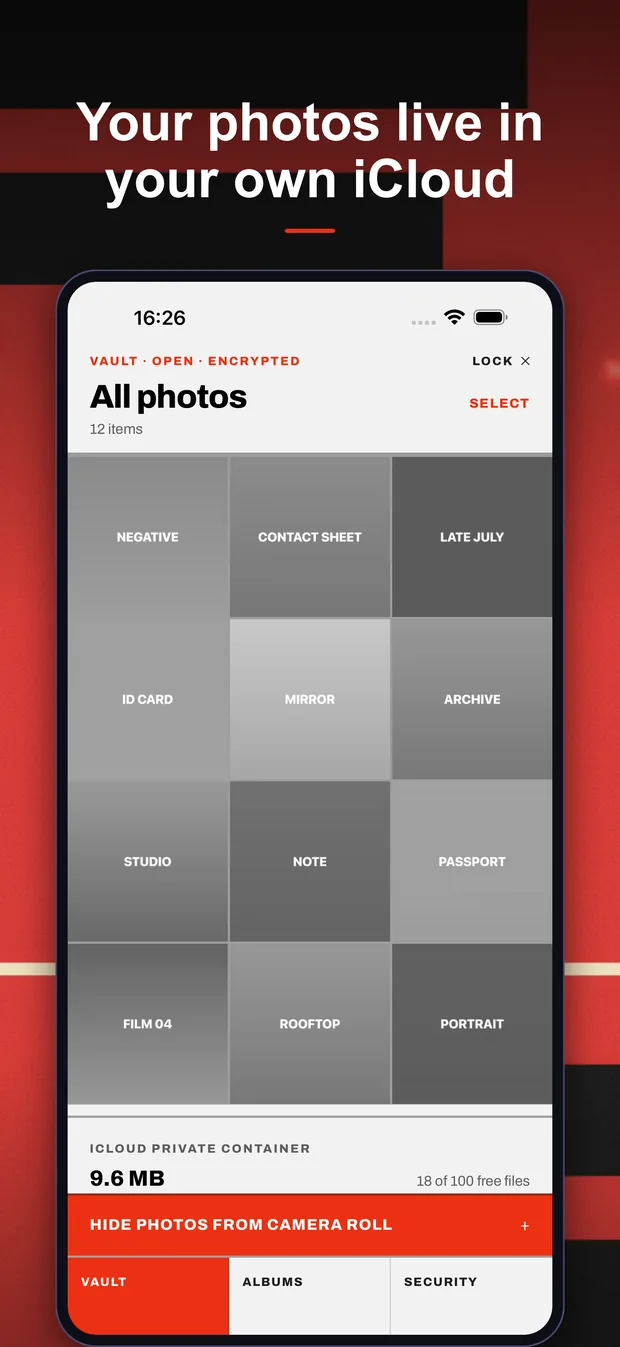
This one keeps them in your own iCloud container, and the key syncs with your iCloud Keychain.
They hold your photos hostage behind a subscription
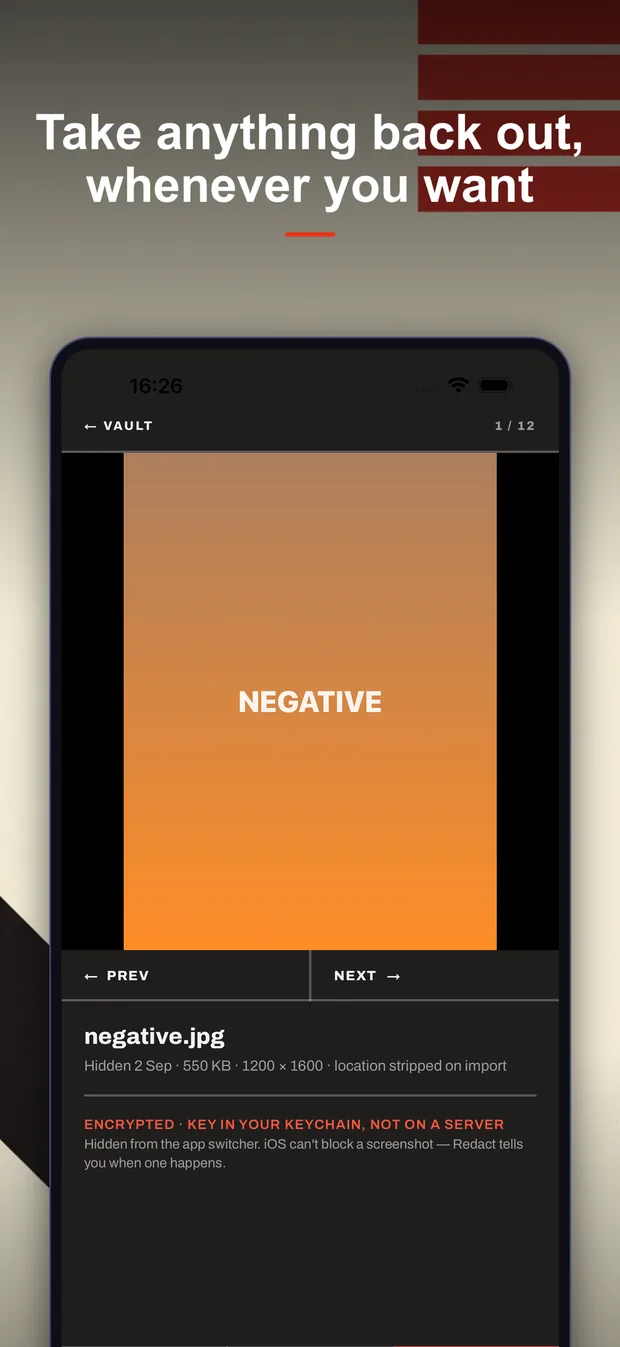
Here, export is free forever — anything you have hidden, you can take back out, paid or not.
They show ads, sometimes even after you pay
This app has no ads at all.
They lock you out when you forget the passcode
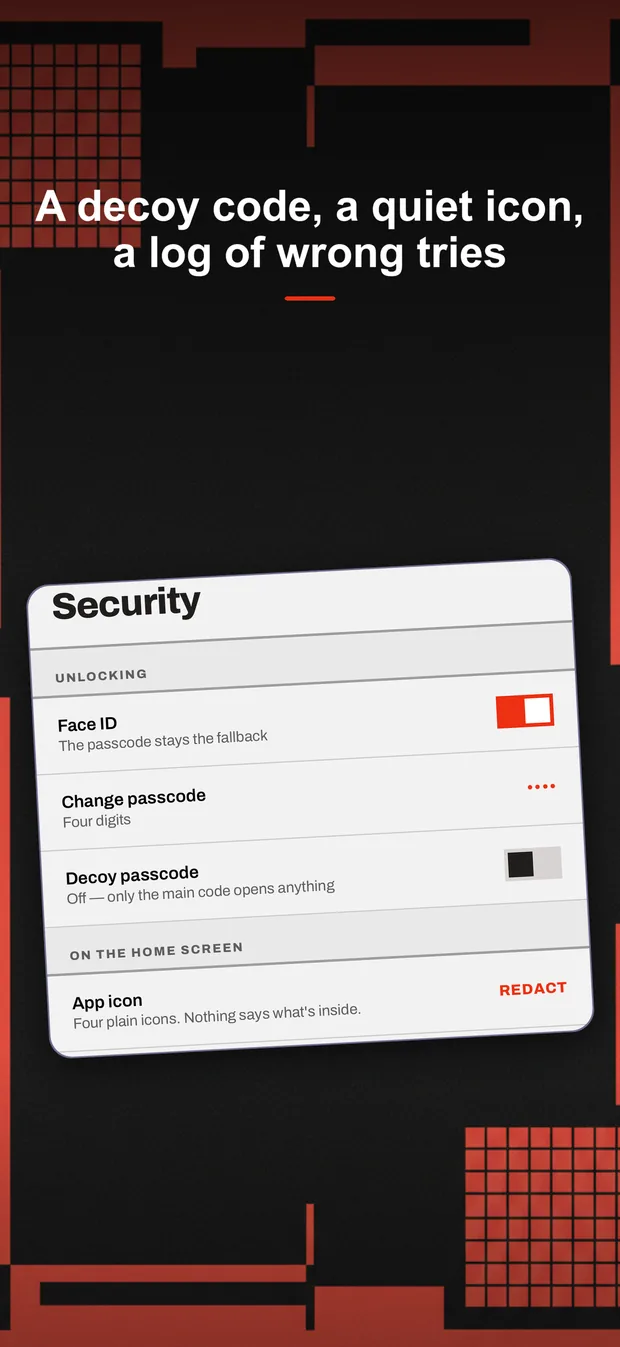
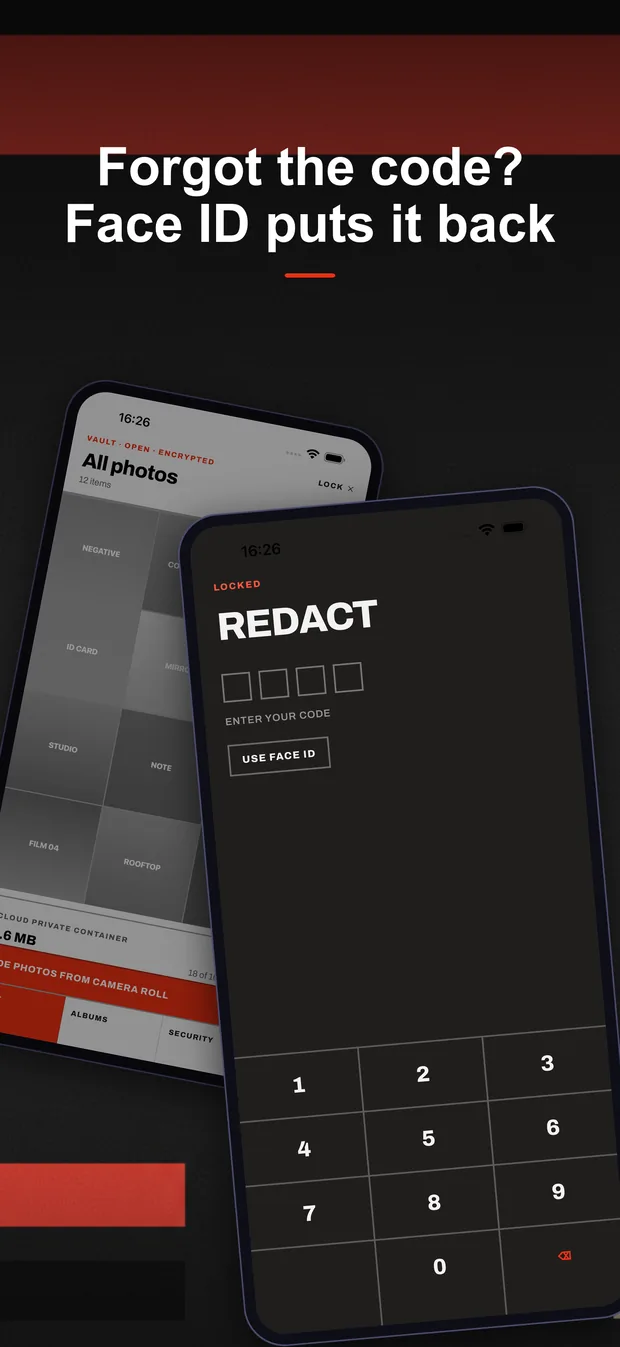
Here the passcode is a gate, not the key: Face ID resets it and nothing is lost.
Their videos play without sound
Video plays full-screen, with audio.
Screenshots
Private Photo Vault — Photo And Video
About this app
Hide your private photos and videos behind a passcode and Face ID — and do not lose them.
Every file is encrypted on your iPhone before it goes anywhere, and the encrypted copy lives in YOUR iCloud, not on our servers. We do not have servers. Switch phones, reinstall the app, sign back in — your vault is still there.
On the home screen it sits as REDACT, and you can swap that for one of four plain icons. Nothing about it says what is inside.
HOW IT WORKS
1. Pick photos, videos or screenshots through the system picker. The app never gets access to the rest of your library. 2. Choose whether to delete the originals from Photos. iOS parks deleted originals in Recently Deleted for 30 days — empty that album and nothing is left behind. 3. Everything inside is encrypted with AES-256. The keys are made on your device.
BUILT FOR THE OVER-THE-SHOULDER LOOK
- Decoy passcode — a second code opens a harmless album, with nothing to suggest a first one exists.
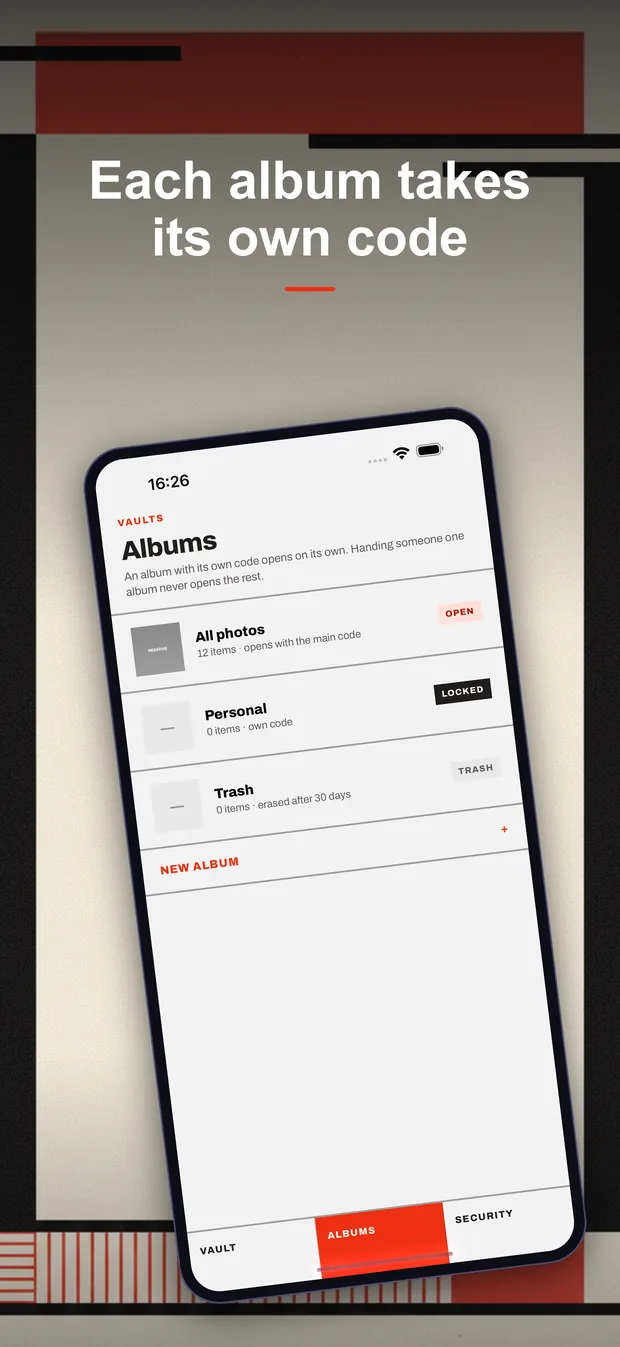
- Albums with their own codes — handing someone one album never opens the rest.
- Break-in log — wrong codes are written down. Turn the camera on and the front camera takes a picture too, encrypted with your files.
- Shake to close — a flick of the wrist locks the vault.
- Four plain home-screen icons and a name that says nothing about what is inside.
- The grid prints in black and white, so a glance from across the room gives away less.
- Hidden from the app switcher, and you are told when a screenshot is taken.
PRIVACY, PLAINLY
No account. No email. No analytics. No advertising SDKs. We cannot read your files because we never receive them — they go from your iPhone to your own iCloud container, encrypted, and the key never leaves your Keychain.
FREE AND PREMIUM
Free covers 100 files with every feature, no ads and free export. Premium lifts the cap on files and on albums with their own codes: $2.99/month, $9.99/year with a 7-day free trial, or $24.99 once for lifetime. Restoring a purchase always works.
Subscriptions renew automatically until cancelled in your Apple ID settings. A free trial converts to a paid period unless cancelled at least 24 hours before it ends.
App details
United States · App Store
- Price
- Free
- Version
- 1.0.0
- Category
- Photo And Video
- Languages
- 12
- Developer
- Yevhenii Rubanov
Guides
Practical answers about Private Photo Vault and iPhone — written to be useful even if you install nothing.
Does a photo vault see your photos? How to check where files go
Face ID or PIN for a photo vault — which and why
Forgot the PIN to your photo vault — what to do
What happens to hidden photos when you switch iPhones
How to hide photos on iPhone: the Hidden album vs a vault app
How to hide videos on iPhone and still watch them properly
The iOS hidden album — what it actually protects you from
Organizing private photos into albums you will actually use
How to remove photos from Photos after moving them to a vault
Photo vaults that hold your photos hostage — how to check first

Private Photo Vault
Hide your private photos and videos behind a passcode and Face ID — and do not lose them.
Coming to the App Store